


A person can discover a brand on Google today, follow it on Instagram tomorrow, read a blog next week and...
Digital Marketing Consultant in India – Pranav Jha
Scale Faster with AI-Driven Digital Marketing Strategies

Digital Marketing Consultant in India – Pranav Jha
Digital Marketing Consultant in India – Pranav Jha

Helping 100+ Startups Grow with AI Marketing
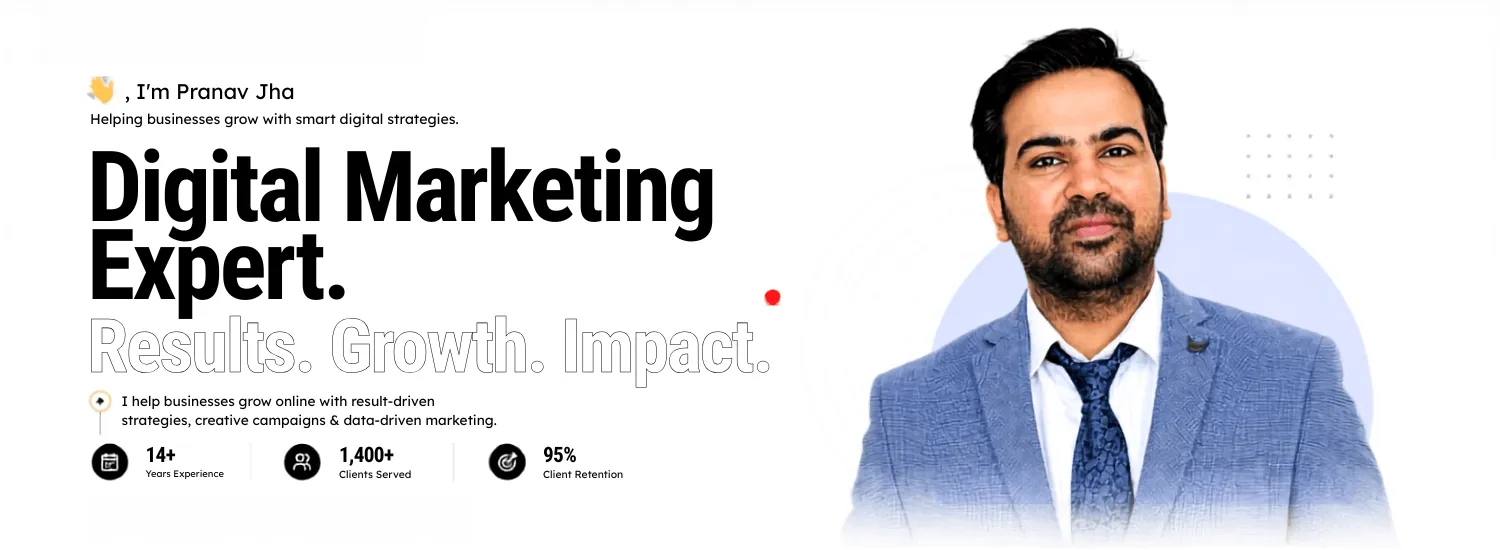
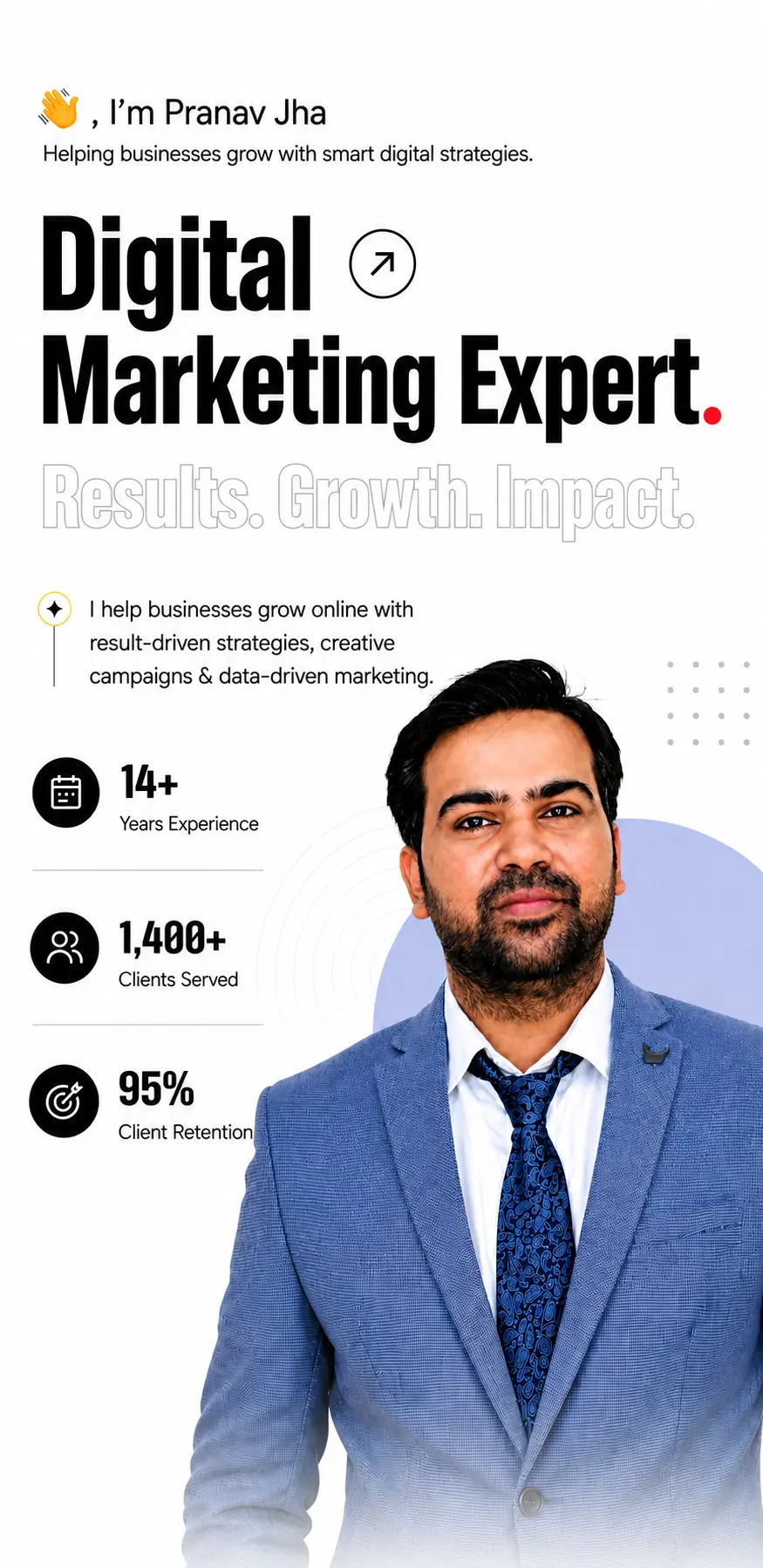
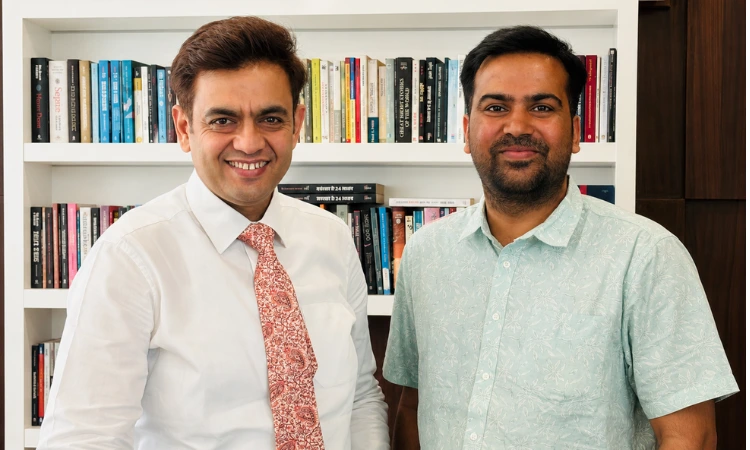
“Hey guys, I’m Pranav Jha – The digital marketing consultant helping startups & companies leverage the best digital marketing strategies to multiply their revenues and brand visibility. With over 14+ years of experience in the Industry & deep passion for paid ads ( Meta & Google Ads), SEO (Search Engine Optimization) & AI Marketing, I’ve successfully delivered growth-oriented campaigns for 1,400+ delighted clients across multiple industries.
Wanna grow your business and looking for the best? Then I am humbly glad that you have landed on this page.
Basically, digital marketing consultants are the best people to hire for growing your business leveraging the power of various digital platforms with an excellent digital marketing strategist.
You can get more awareness for your brand, acquire new customers, and generate more sales/leads by planning and implementing a good strategy with digital marketing experts. The proper roadmap and planning are very important in brand growth.
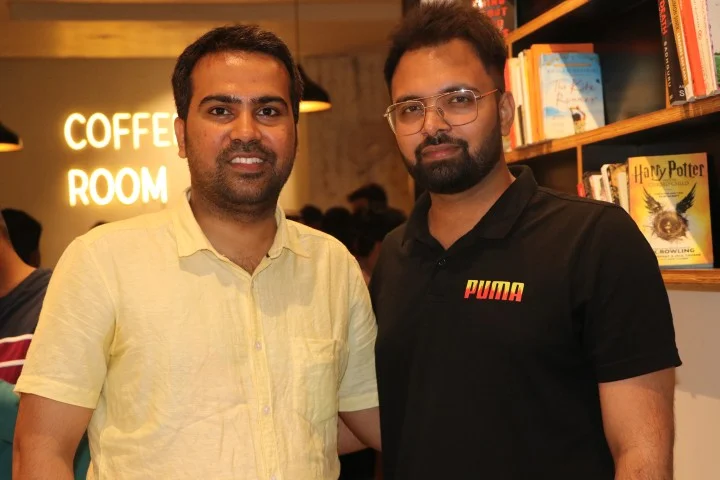
Wanna grow your business using Digital Marketing Consultant and looking for a best one? Then I am humbly glad that you have landed on this page.
Basically, digital marketing consultants are the best people to hire for growing your business leveraging the power of various digital platforms with an excellent digital marketing strategist.
You can get more awareness for your brand, acquire new customers and generate more sales/leads by getting a good strategy planned and implemented by digital marketing experts.
You can have even much better Return On Investment for your business when you hire a good Digital Marketing Consultant for marketing your business online.
As a business owner especially if you are a startup you might feel it is better to plan and implement everything on your own rather than hiring a digital marketing expert.
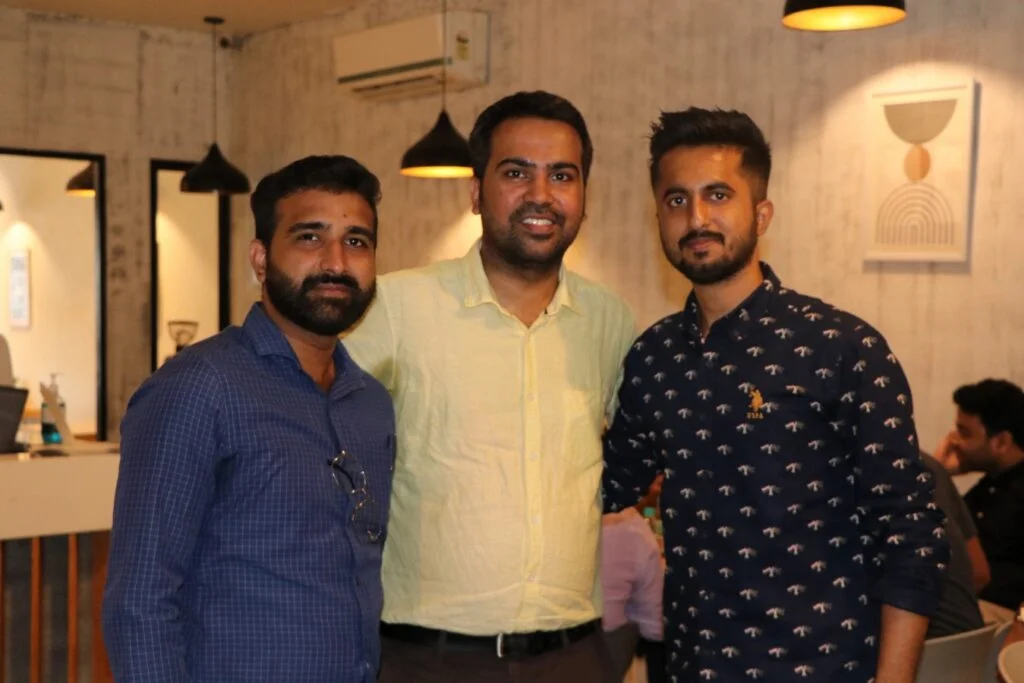
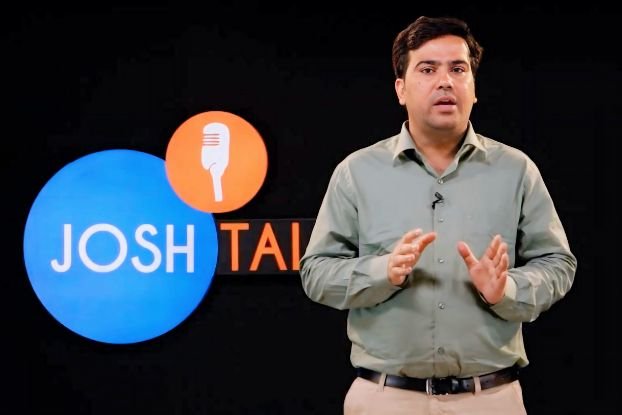
You can have an even better return on investment when you hire a good digital marketing consultant to market your business online. Digital marketing consultants understand your business needs & goals and prepare a detailed digital marketing roadmap accordingly. Every company has its digital journey, depending on the business circumstances.
A business owner, especially a startup, should always discuss their need and requirements in detail and understand the exposure of their digital marketing expert or consultant. However, you need to understand your end goal and critical digital marketing campaign performance metrics in the long term. It would help if you worked with a leading expert to nurture your business and achieve your goals. Digital marketing experts must have hands-on exposure to digital marketing projects and projects and have better challenges and goals.
Let me share some of the most important things I can do for you when you work with me as your digital marketing consultant or expert in India. Over the last 14+ years, I have closely observed algorithms, which helped me understand the overall marketing process deeply. Recently, AI and tools related to AI, like Chat GPT, Google Gemini, Grok, DeepSeek, and many others, have brought many changes in search behaviour and patterns.
Remember, you won’t get a good Return on Investment from your digital marketing efforts unless you implement an excellent strategic plan along with AI strategies correctly. Your business ROI needs to be measured using proper parameters to scale the business based on critical metrics like better conversion and more impressions in the market. A digital marketing consultant mainly understands your work objective, plans a complete roadmap for you, and then fixes their mentorship hours to monitor the step-by-step growth of the business. After executing a digital marketing plan, we prepare client reports with the help of different tools. Hiring me and my team will help you scale your digital marketing campaigns and achieve maximum results.
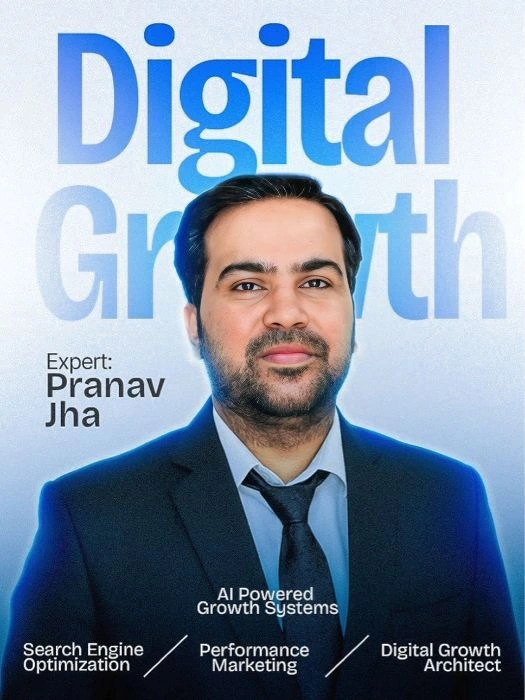
Preparing a good marketing strategy and driving better results from implementation requires much expertise and experience as a digital marketer, which you might not have as a business owner.
Moreover, choosing the proper marketing channels and allocating the budget among the selected channels might be a challenging task for you.
Hiring a consultant is a wise decision to get digital marketing services that can help in the growth of your business.
But I can’t assure you that you will start getting results immediately after hiring. It depends on factors such as the marketing strategy(Paid ads or SEO), your products/services, competition, etc. My years of experience as a Google Ads trainer, SEO consultant, and in PPC campaign optimization will help you understand key performance metrics.
For example, if your goal is to build awareness for your brand, you can’t see the benefits of building awareness instantaneously.
In the case of other services like SEO, I can share some keywords that your website can be ranked for within a specific duration of time because of my experience working on optimizing sites for search engines.
We've compiled a digital marketing strategies that marketers can adapt to help their teams and businesses grow.
We provide a complete dept business analysis solutions which includes a improvement, strategic planning and more.
Avail our hassle-free process of maintaining the brand development with quality & particular marketing assets.
We, as a team, try to solve all your common digital marketing problems with the best proved solutions.
I was struggling to grow my business online and didn’t know what strategy would actually work. I decided to consult Pranav Jha, a digital marketing expert, and shared my business plan with him. He understood my challenges and gave me a clear, practical strategy. After working on it, I’m now seeing great results and more confidence in my online growth. Truly grateful for his guidance!

Working with Pranav Jha since 2017. He is literally the best digital marketing consultant in Noida.We started working on a new project 6 months back and the results have been amazing so far.Daily I am getting 10K+ visitors on my site and they are converting like hotcakes.A huge thumbs up from my side!!!

I got to meet Mr Jha through DM conference which happened in Noida and since then not only has he guided me in various situations but is also acting as a mentor for my career and clients. He is an ideal example of an influencer who knows very well how to handle clients, students and people in general. You can contact him for any digital marketing work.

Pranav Jha ji is truly a good digital marketing consultant as I am using their services from last 4 years and found that their strategies for brand building and promotion is awesome. I would like to recommend him without second thought for any digital marketing services.Thanks Pranav for helping me in my business.
I would love to scale your business via my digital marketing skill and expertise.
Choosing the right marketing channels is an important step in planning an effective marketing strategy that can help in growing your business. Remember, every marketing channel might not be the right choice to include in your marketing strategy just because that drove
...results for others.
Marketing channels depend upon many factors like business nature, market acceptance, and popularity among users.
As a digital marketing strategist, over the years, I have found that if SEO is working for a B2C Specific service industry, it doesn't mean it will work for B2C, another industry. If Google ads CPA is 300 INR in Bangalore doesn't mean it will be the same in Pune and Mumbai. So before choosing any industry, we need to understand the marketing channel, budget that we have and that we can use for marketing, and our target Audience nature.
An excellent Brand strategy is important to drive the best results from the marketing efforts and stay ahead of your competition. Every digital marketing consultant thinks from their own experience and exposure; as per my understanding, I always understand the market
...
and its challenges. As a digital marketing expert, I think through the right solutions and opportunities in the market. Accordingly, I use this understanding to build a strong brand strategy for my clients and their business.
Brand strategy always has perfect strategies and some scope of testing. Testing helps find a new path, and perfect strategies help scale at a better level. Over the years, I have gained great exposure to PPC strategy and SEO Strategy building while working. This implementation on different projects helped me understand the core technical challenges of becoming a brand.
Keyword Research is quite useful for any business. Irrespective of the service you hire for either SEO or PPC, keyword research can help in the discovery of new opportunities that can help to reduce your costs and increase your ROI.
...
My years of experience helped in understanding the intent behind the profitable keyword. Primary keywords always take the base of secondary keywords and related keywords for scaling.
Key Performance Indicators can easily help in getting a clear idea about the performance of a marketing strategy. After preparing a strategy, it is important to choose the right key performance indicators as these vary from one marketing strategy to another.
...
Not just choosing them but also would set up the right expectations of various Key Performance Indicators using the industry benchmarks and past experiences.
Competitor research can help estimate the performance of various marketing strategies that they are currently implementing or implemented in the past. Because there are various kinds of marketing channels
...
and different kinds of marketing tools that can help analyze your competitors.
For example, if SEO is chosen, tools like Ahrefs are used to analyze their keywords, current rankings, backlinks, etc. The possible things that can be useful for your business would be included as a part of the marketing strategy for your brand. In the case of Facebook ads and Google ads, tools like the Facebook ad library help in competitor analysis on Facebook, and the case of Google ads, Semrush and tools like Spyfu can help.
If not done properly, marketing budget allocation should be done in the right way as it might reduce your ROI from the marketing campaigns. Because of my years of hands-on digital marketing experience,
...
I know an appropriate budget is needed to obtain the maximum results from a particular marketing channel. So I can easily allocate your marketing budget across various marketing channels to maximize your ROI. A digital marketing consultant helps understand the platform first and then divides the budget as per the business analysis and scope of business. Sometimes Google needs more budget, and sometimes social media and organic channels need more budget as per the analysis.
Even though a good marketing strategy is planned, a strategy might fail to deliver the expected results if not implemented correctly. Being a well-experienced digital marketing professional,
...
I can implement the marketing strategies in the right way using my expertise in the respective marketing channel. I can also help your team implement digital marketing planning or roadmap. The core objective of a digital marketing consultant is to implement a roadmap in the best way to generate better ROI for businesses.
Digital marketing trends change rapidly and the results might not be obtained as per the expectations. We can’t just implement hoping to get the results. I would continuously monitor the performance
...
of marketing campaigns and interpret the data to make proper decisions.
Later optimize the strategy-making adjustments based on the data-driven decisions made to maximize the performance of the strategies being implemented and increase your Return On Investment.
With my 14+ years of experience as a digital marketing consultant, I have helped many businesses grow. Take a look at some of my major accomplishments to see the impact I’ve delivered for clients across industries.
Some of the achievements I have made so far in my digital marketing journey as a professional in the last 14+ years.
After spending years in the industry, I have received many certifications from various sources, such as Google Ads, Hubspot, IIT Bombay ( Learning AI ), Amity University, IIT Varanasi, and ICFAI University, for delivering valuable sessions or attending seminars on digital marketing.
I have worked with hundreds of clients from various national and international industries like D2C (Gemeria Hair, Arusha Foods, JSB Healthcare, Pack-Mate, Modern Crew ), Real Estate ( Omaxe, Mytan Farms, CRC ), Education ( Skillcircle, Unacademy, Subhra Ranjan IAS Academy ), providing services such as SEO, Google ads, Meta Ads, Performance marketing campaigns etc. My proven methods helped them grow their business from zero to three figures to 6-8 figures.
As a digital marketing consultant or expert, I am always open to sharing or discussing various things about your business. Easing thoughts can help you discover new strategies to help your business significantly.
Moreover, you can quickly get a response from me to answer your questions and resolve them. You can quickly get in touch with me by emailing me
I can assure you that there won’t be any unnecessary hidden charges as I would raise the invoice only for the services I provide, and all of them would be as per the industry standards. So, even if you are a startup, you would be able to afford me because I have worked with startups.
I always discuss things and charge as per the assignment. I prefer to have a small call before taking your assignment, and once you get assured of everything, we move ahead as per commitments.
As a business owner, you should know the performance of your marketing campaigns being implemented, and I understand your concern. I prepare the reports before the reporting session between us or would send the reports as planned. We use Google Lookup Studio, Google Analytics 4, Google Search Console, and paid tools like Semrush & Ahrefs to prepare client reports. As a digital marketing consultant, I have found that these reports helped my clients understand their growth in a better way and execute new strategies. Initially, we start things with an audit, and regularly, we prepare manual and automated reports to check the progress of projects.
Most marketers make wrong promises, and after implementation, they fail to show you the results promised. One could promise to deliver the exact results because of the nature of this industry. But I would promise only the estimated results after thorough research.
You can stay assured that even though exact results might not be delivered, at least results close enough to the promised ones would be delivered within a specific duration of time planned. I always do discovery calls with my client and prepare a strategy for your campaigns after understanding their need and demands.
To prepare, execute and measure the performance of various marketing strategies, marketing tools play a significant role in working efficiently and obtaining results. Depending on the purpose, different marketing tools might not be affordable for business owners like you.
However, as a digital marketing expert, I have access to all the necessary marketing tools to help you effectively plan and implement marketing strategies for your business to get better results.
Moreover, you don’t get charged for the tools; you only pay for my services. We use primary marketing tools: Ahrefs, Semrush, Canva, Freepik, VidIQ, Screaming Frog, Keyword Everywhere, Google search console, Analytics 4, and tools that add more value per the requirement.
As an experienced digital marketer, I follow various resources to keep myself up-to-date with the latest information, such as updates, tools , strategies, etc., so I can help your business grow by using them.
Being a digital marketing expert, I provide all kinds of digital marketing services without compromising the quality of the service. You need not look to hire another expert or agency for other services.
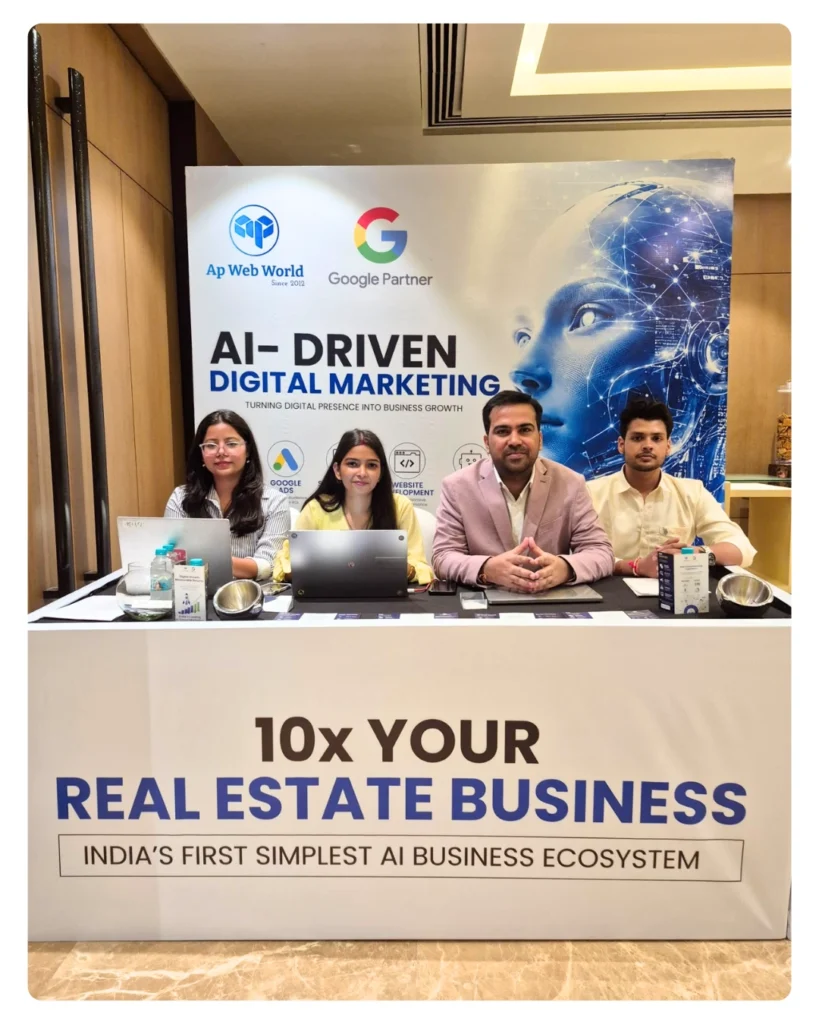
My team can help me with everything to provide various services. Apart from me, I have 40+ people in my Agency ( AP Web World – Digital Marketing Agency). They help my clients in generating business opportunities and growth.
Based on your marketing goals and past data,, I plan the marketing strategies that can drive excellent results for your business.
I always stay updated by reading the latest blogs and marketing surveys to remain updated as digital marketing consultants have to be updated. He must know all the latest marketing processes. The digital marketing industry is dynamic, and it must have changed as per the market and algorithm.
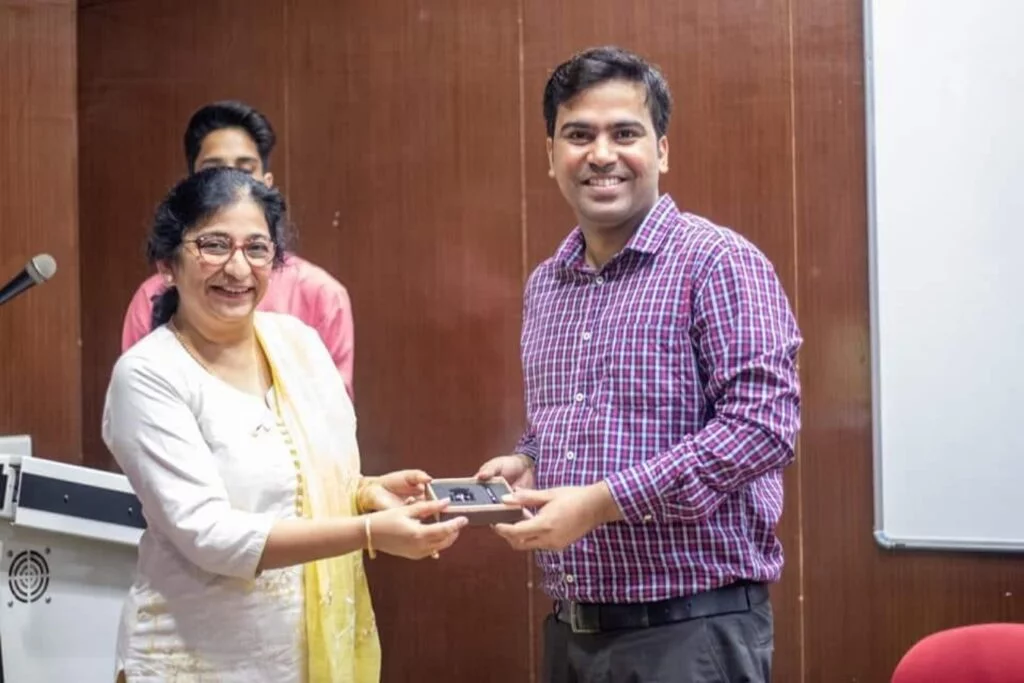
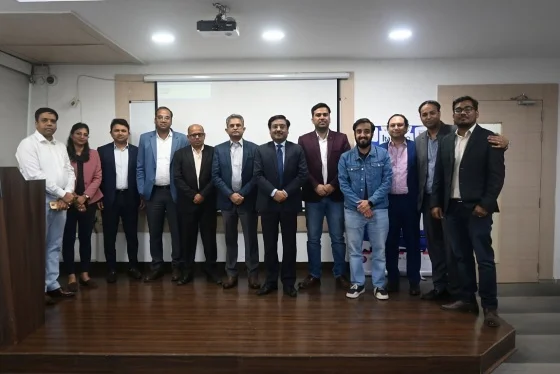
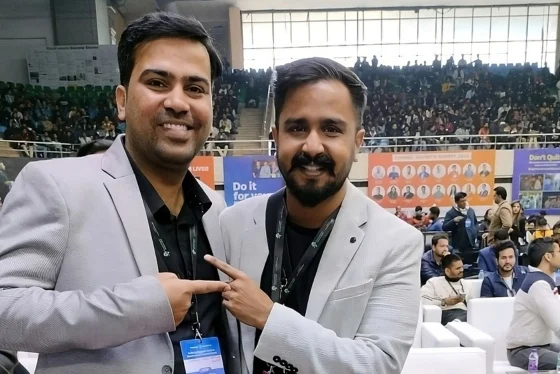
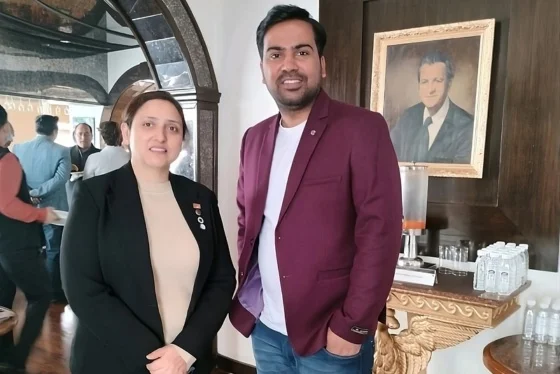
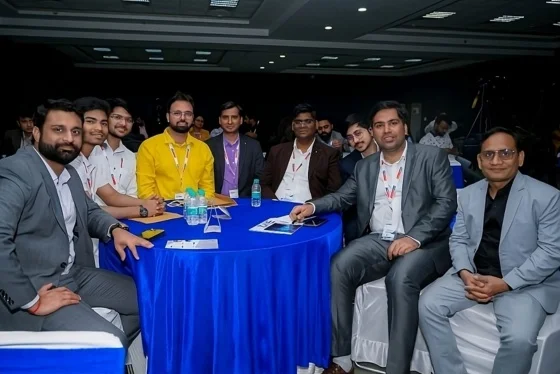
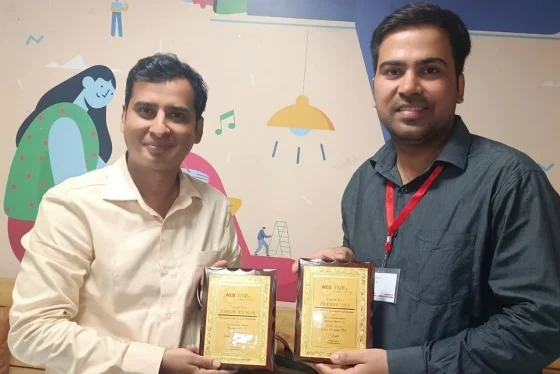
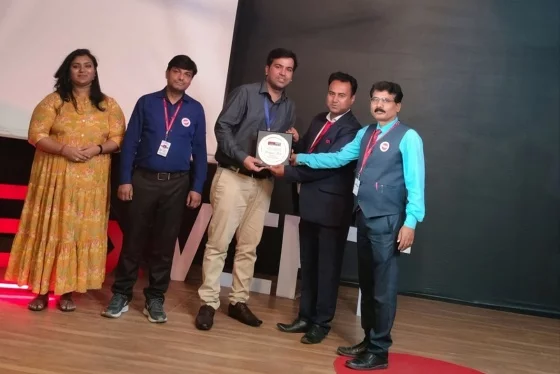
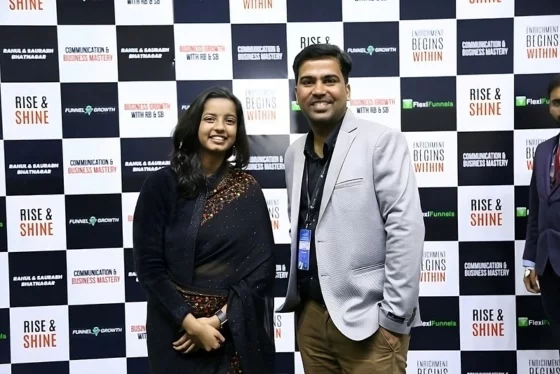
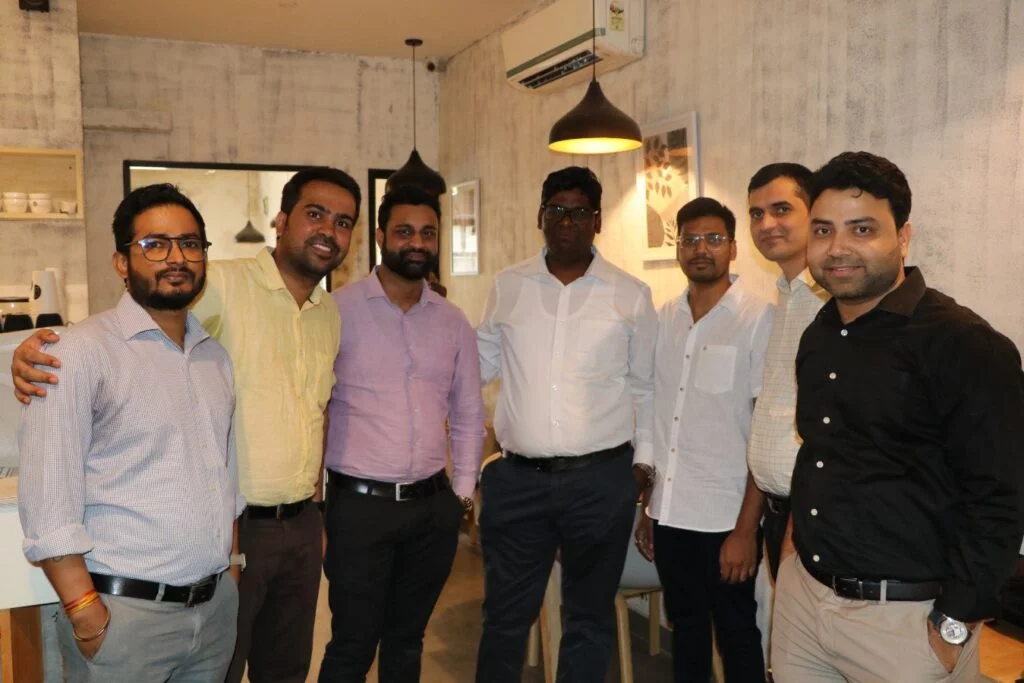
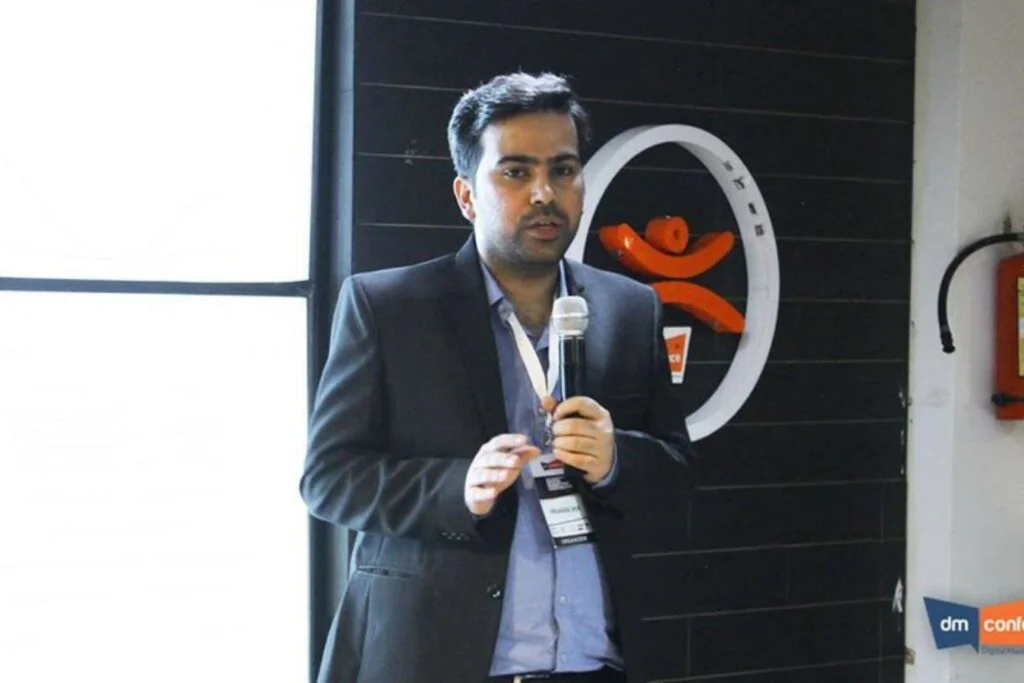
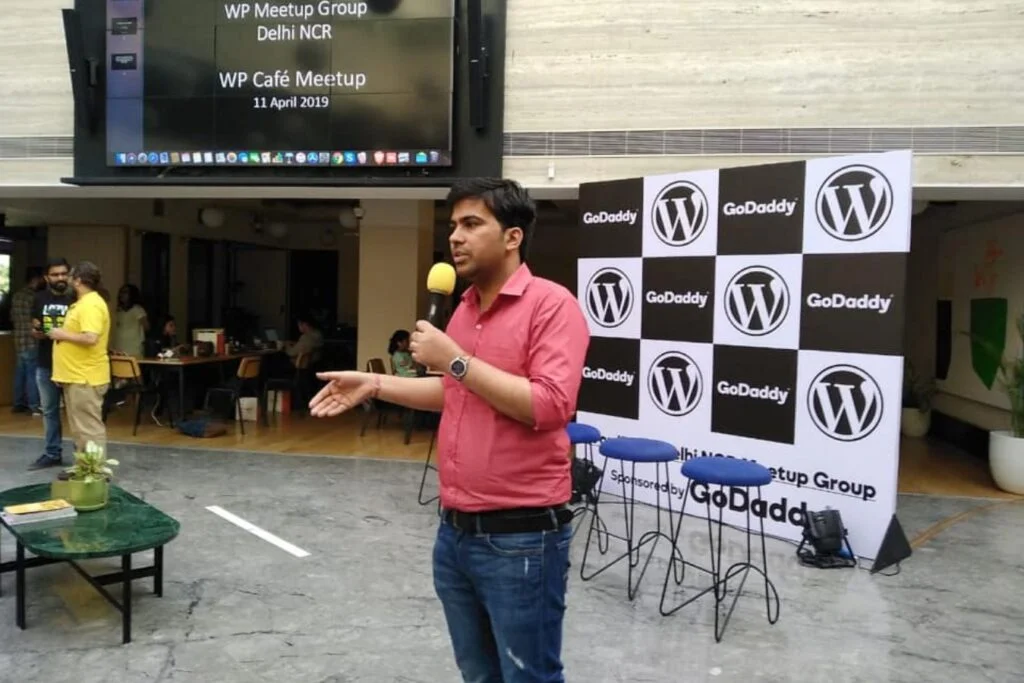
It has been 14+ years of the journey while helping startups with digital marketing strategies, giving 1-1 consultancies to individuals, and helping them scale in 6-8 income figures. Based on the above data and my expertise, I hope you will hire me as your digital marketing consultant. If you haven’t, I am available to discuss your requirements in detail, and I would love to share my results on a virtual call, or we can also physically meet for a cup of coffee if we are in the same city (I am from Noida so physical meet is possible in Noida ). Along with me, I have a strong team of digital marketing strategists to understand your requirements. Communication is key to a successful marketing campaign, and maintaining quality and frequency is always essential in digital campaigns. My explanation clarifies your questions and helps you understand my digital marketing expertise.
It requires expertise and experience in the digital marketing industry to prepare effective marketing strategies and interpret performance data to make the appropriate adjustments in the plan so that your business gets the best Return On Investment and exposure in the market.
Remember, never make the mistake of choosing the wrong digital marketing consultant, expert or agency, as you might not get the maximum possible results from the efforts made. Even if you hire a marketing consultant or strategist, you need to understand the overall roadmap of the business and how someone is implementing it in your industry. Understanding expertise is also crucial in taking your business to a higher level.
If you want to hire me as your digital marketing consultant, I am open to discussing things further to get started and work for your brand. Please let me know when we can schedule a call or meeting.
Still, if you want to clarify or discuss things, please contact me. I always look forward to connecting and discussing with new people. If I can add value to your business, I am up for taking on a new digital marketing project-related opportunity.
A person can discover a brand on Google today, follow it on Instagram tomorrow, read a blog next week and...

Getting leads is one thing. Getting leads that actually have a chance of becoming customers is a different story. A...
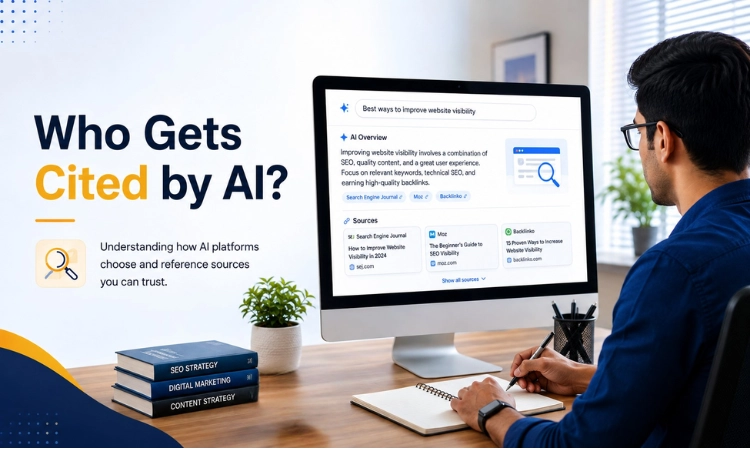
The era of those “10 blue links” is fading away at a rapid pace. Today, internet users are moving to...

In 2023, we started working on a hair extension brand that performed well on Google and other search engines. However,...

Website, landing pages, and funnels are some of the most important things that every marketer, freelancer, course creator, or entrepreneur...


























A digital marketing consultant basically helps businesses to get more people noticing them online. Sometimes it means improving SEO, sometimes running paid ads, and sometimes fixing things on the website that are stopping results from coming. Every business is different, so the work also looks different for everyone. At the end, the main goal is to help get more leads, sales, or whatever growth looks like for that particular business.
It depends on many things. Paid ads can start bringing traffic quite fast. SEO, on the other hand, is slower and usually takes a few months before things start moving properly. Some businesses see results sooner, while others take longer. There is no fixed number, really, because competition, budget and starting point all matter here.
If people are searching online for products or services like yours, then digital marketing can most probably help. Many businesses depend on referrals, which is good, but referrals alone cannot take you very far. If more visibility, more inquiries, or simply more people knowing about your business is what you want, then digital marketing is definitely worth considering.
There are many consultants available, so it is a fair question to ask. What I try to do differently is focus on what actually makes sense for your specific business rather than pushing every possible service. Some businesses need SEO. Some need ads. Some need both things together. The idea is to find what works for you and build from there, instead of wasting money on things that are not really needed.
With over 14+ years of hands-on experience and 1,400+ brands served across India, I have built a reputation as one of the most trusted Digital Marketing Consultants in India for a simple reason: I focus on results, not just activity. I work with both startups and large brands, I understand the Indian market deeply, and I bring AI-driven strategies that most consultants are still catching up on.
The cost of hiring a digital marketing consultant depends on the scope of work — whether you need one-time strategy consulting, ongoing mentorship, or full campaign management. I do not believe in standard packages because every business is different. What I can promise is complete transparency: no hidden fees, no unnecessary services pushed on you. We always start with a discovery call to understand your needs before discussing any engagement.
Absolutely. I have worked with dozens of early-stage startups where budget was limited but ambition was not. As a digital marketing expert, my first priority with startups is always to identify the one or two channels that can deliver the most traction for the budget available — rather than spreading thin across everything. A focused, well-executed small-budget strategy almost always outperforms a scattered large-budget one. Your budget does not need to be big; it just needs to be used wisely.
I love nothing better than sharing what I have learned with those who are eager to grow. If this sounds like you, we need to connect.
Fill the form below, I'll get back to you shortly.